Complete Uninstall
Setup
Step 1 – Stop The Service
-
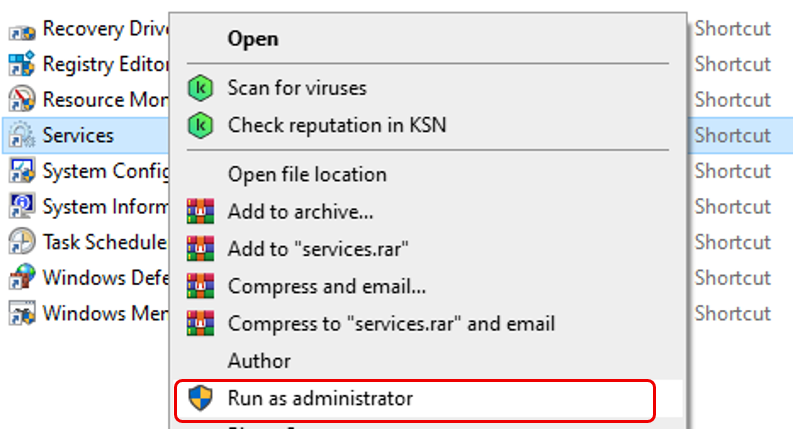
Control Panel > Administrative Tools > Select Services > Right click > Run as administrator
-
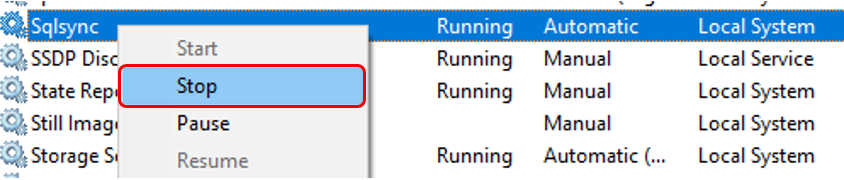
Select Sqlsync > Right click > Stop
Step 2 – Remove Sqlsync From Services
-
Search Command Prompt > Run as administrator

-
In the command line type
cd C:/Sqlsync> Hit Enter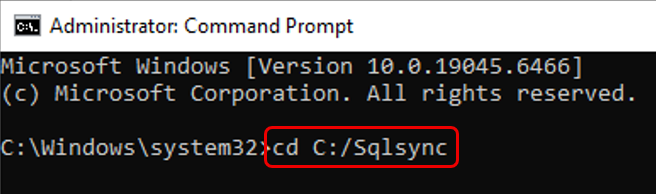
-
In the command line type
nssm remove Sqlsync> Hit Enter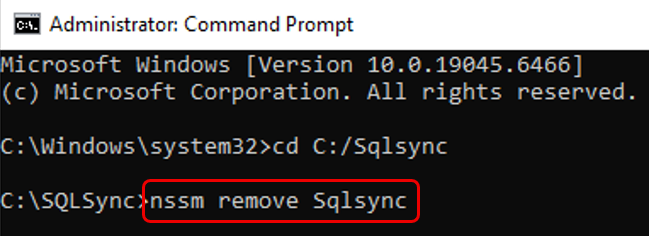
-
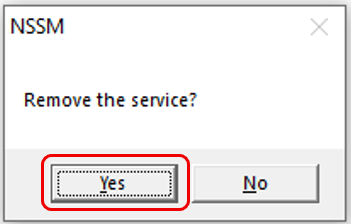
Click Yes to remove the service
-
In the command line type
exit> Hit Enter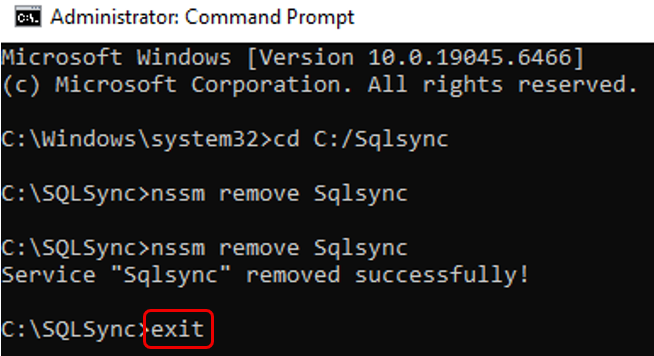
Step 3 – Uninstall Sqlsync From The Computer
-
Navigate to
C:\SQLSync> selectunins000.exe> right click > Run as administrator
-
Restart the computer
-
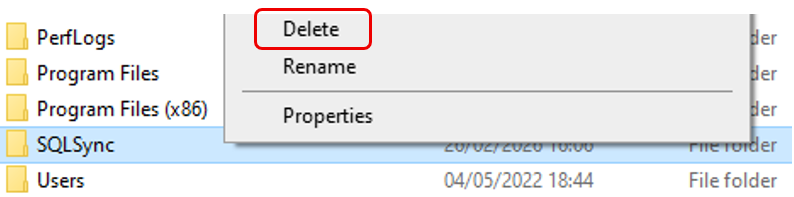
Navigate to
C:\> Select Sqlsync folder > Delete