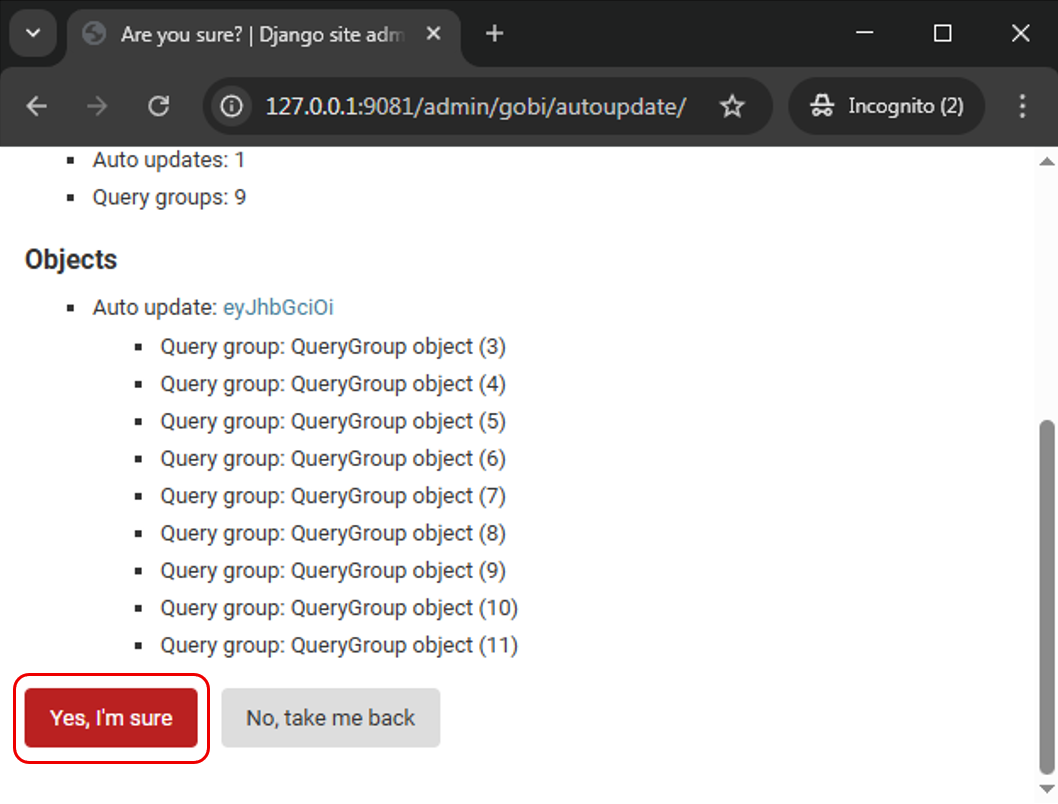
Remove Token
-
Open web browser > type in
127.0.0.1:9081/admin/at address bar > click enter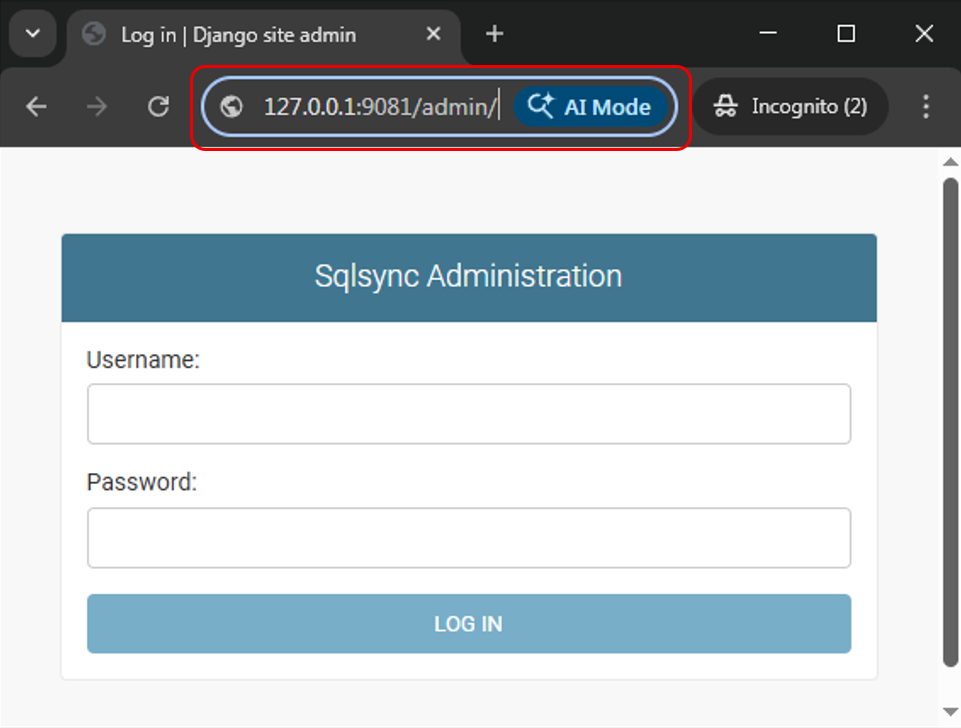
-
Key in username and password
Field Value Username admin Password Contact your SQL Service Consultant for the default password -
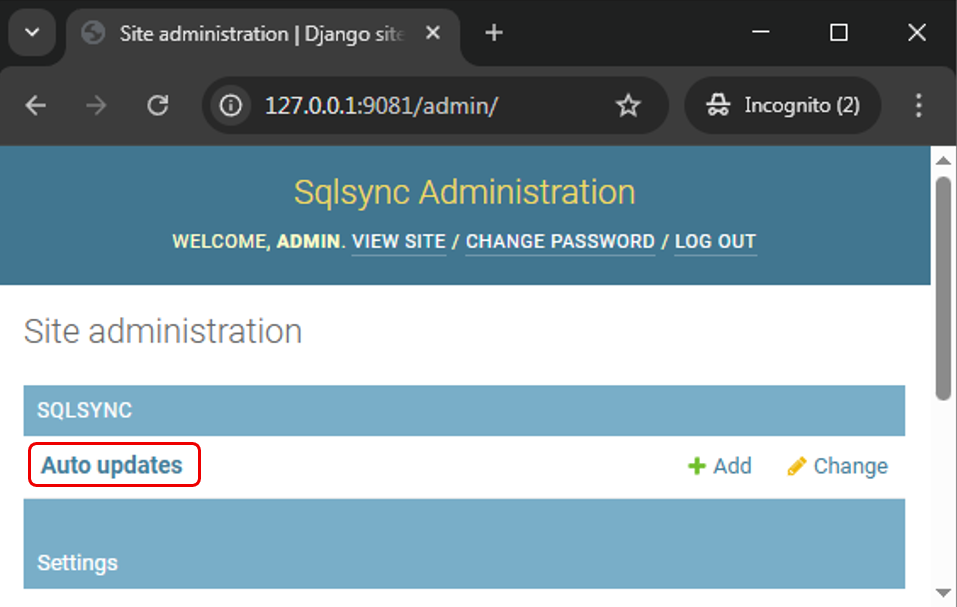
Click on Auto updates
-
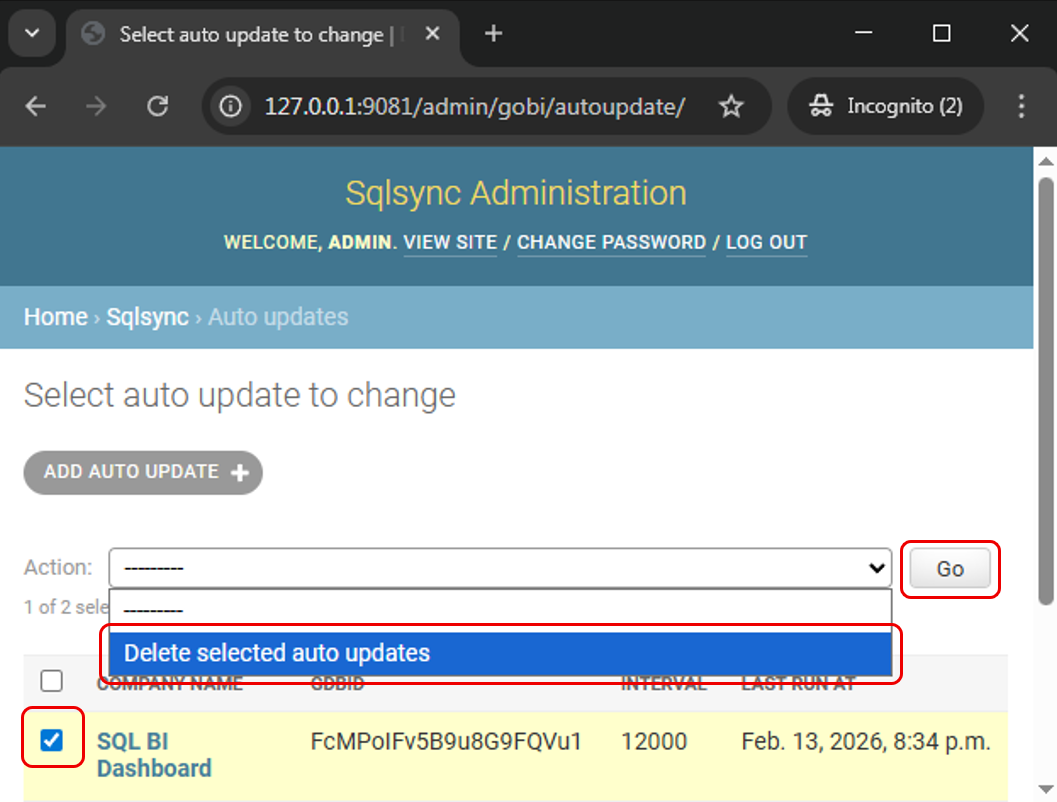
Check box for the account you wish to delete > Under Action > Select Delete selected auto updates > Click Go
-
Click Yes, I'm sure to proceed to remove the token