On-Premise Setup
Prerequisites
- Install in
SQL Accountserver PC - Must have Firebird 3.0 or above (including standalone license)
- Windows 10 (64 bit) or above
- Have internet access
Setup
If you are using SQL Connect Public Cloud, you may skip Steps 1 to 3. The installation and token insertion will be handled by our team.
Step 1 – Install SQL BI Dashboard Sync Tool
-
Download Sqlsync tool
warningIf computer previously installed Sqlsync or Gobi sync, please proceed to Complete Uninstall.
-
Select
sqlsync (64bits)-V3000.exe> Right click > Run as administrator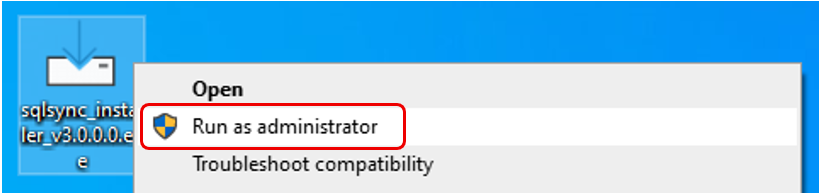
-
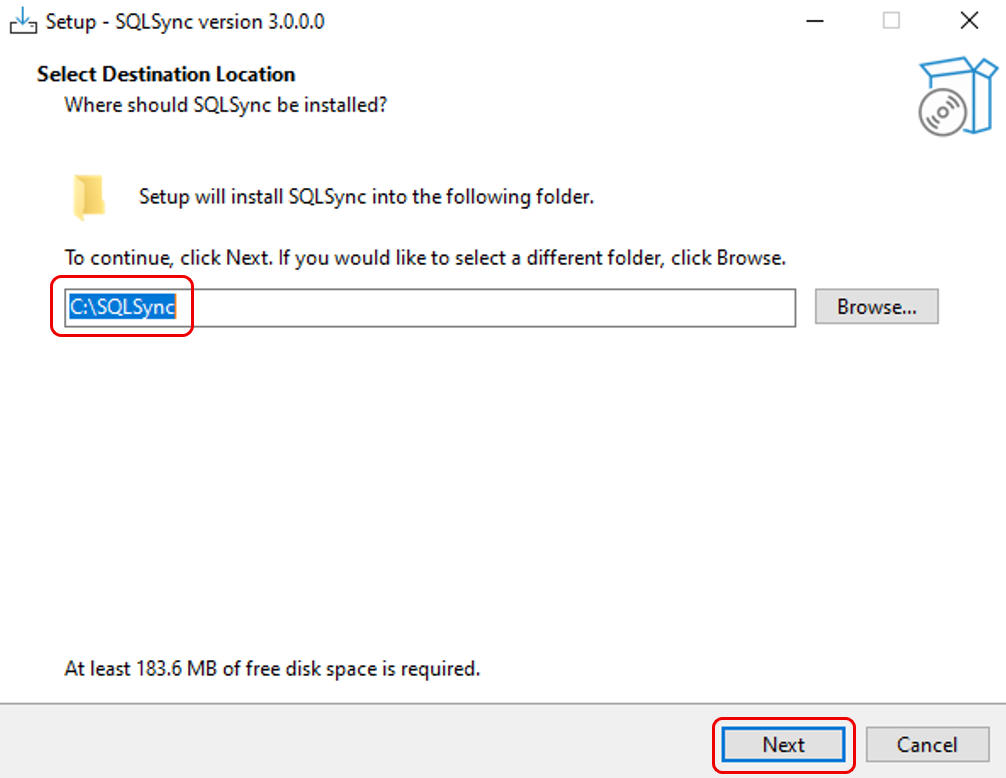
Confirm the installation folder > Next
-
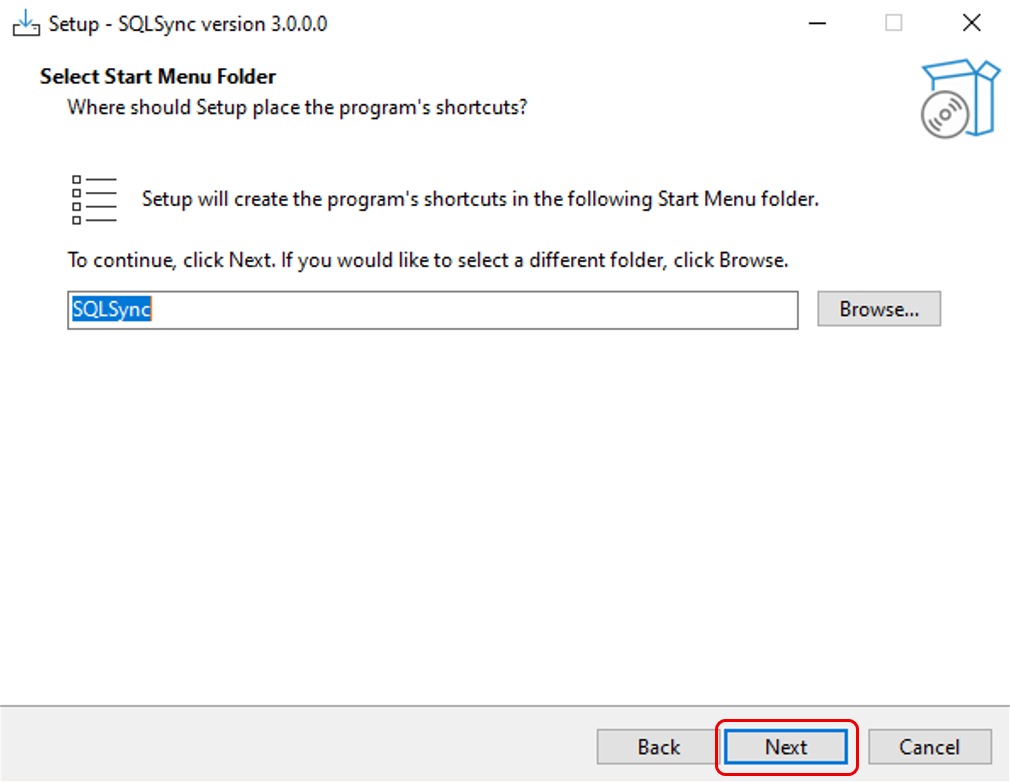
Click Next
-
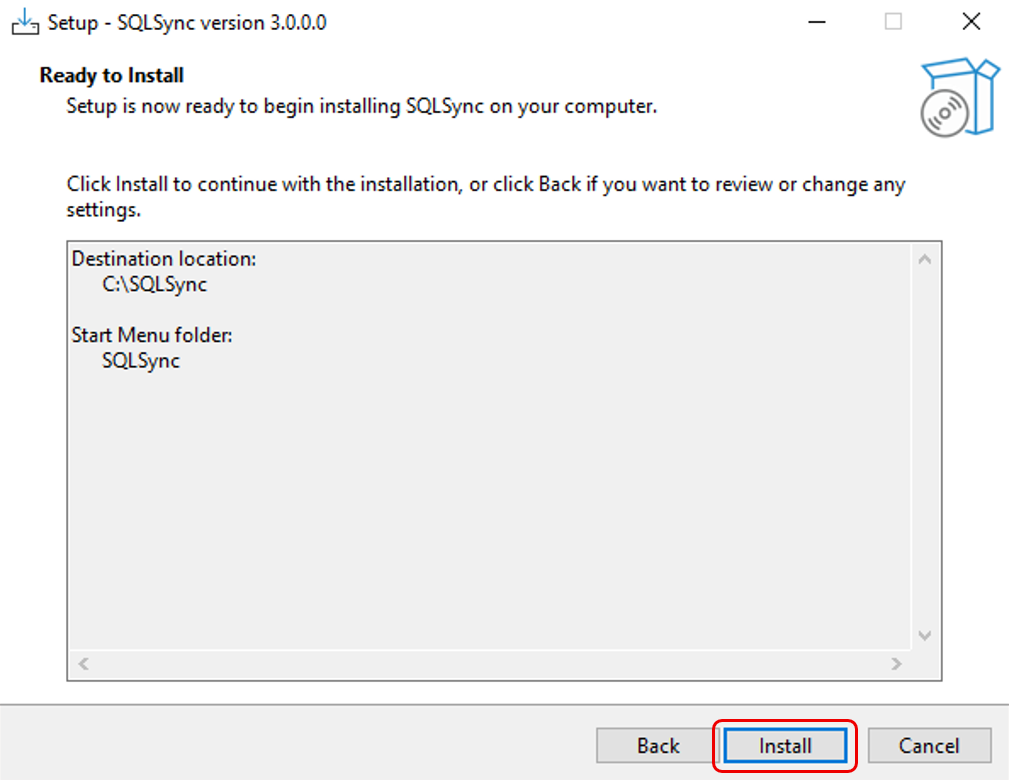
Click Install
-
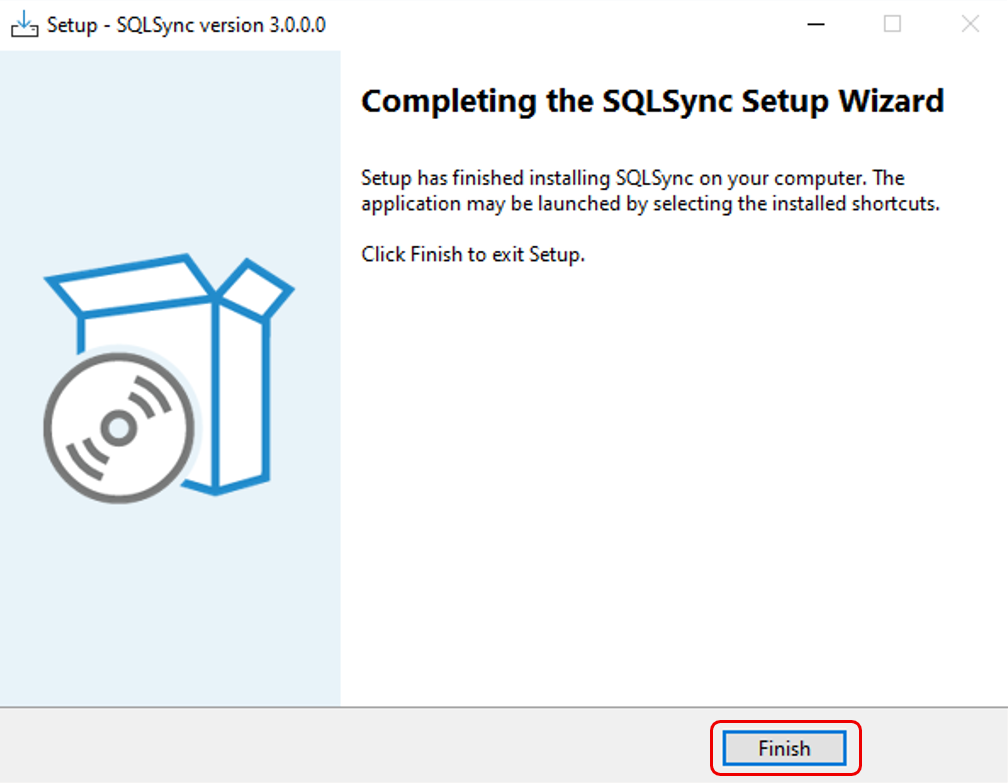
Click Finish
Step 2 – Ensure SQL BI Dashboard Sync Tool Service Running
-
Open web browser > type in
127.0.0.1:9081/version/at address bar > click enter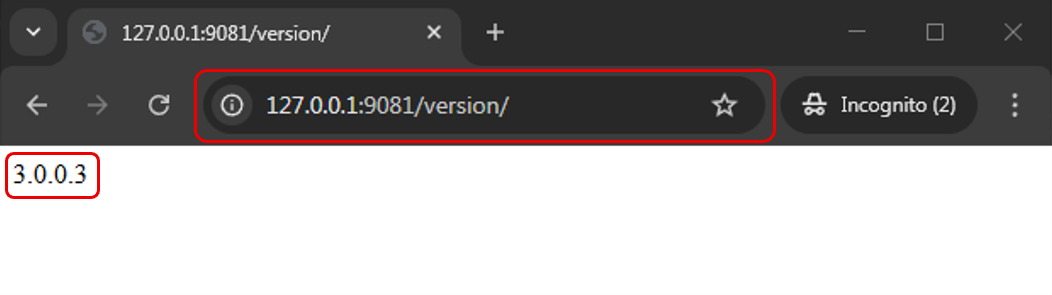
-
Ensure page content showing
3.0.0.3or above
Step 3 – Insert SQL BI Dashboard Token
To start with BI Dashboard, contact your SQL Service Consultant for the service registration.
-
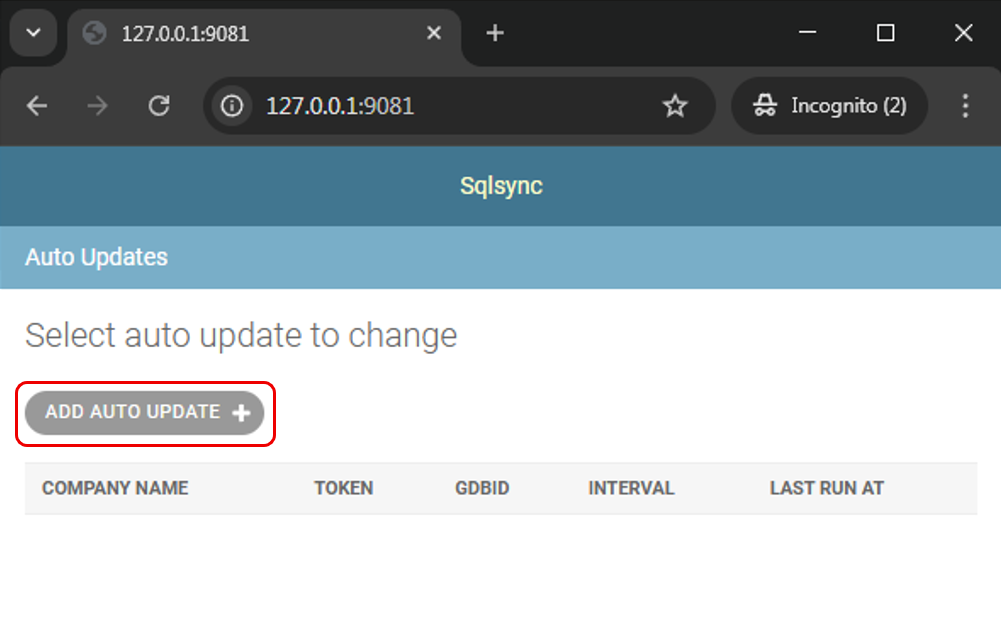
Open web browser > type in
127.0.0.1:9081at address bar > click enter -
Click Add Auto Update
-
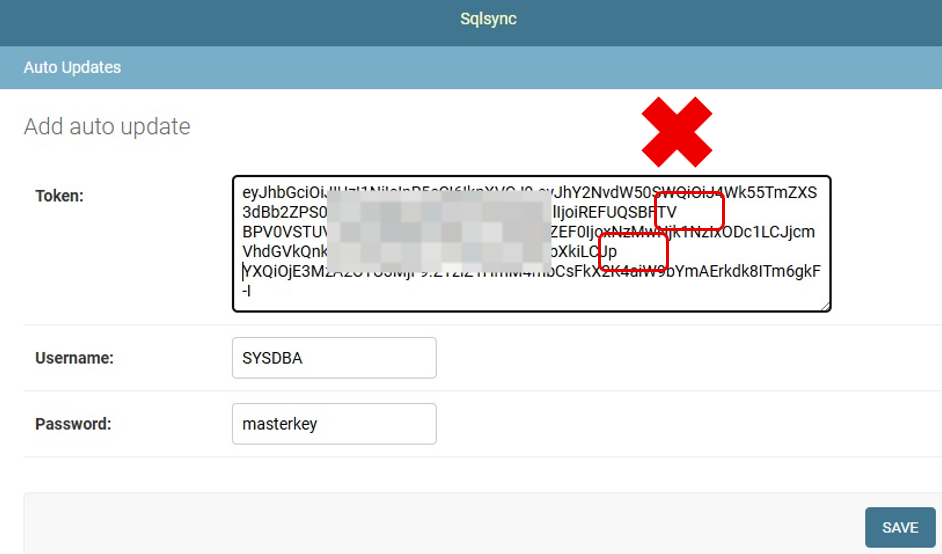
Paste Token* > Save
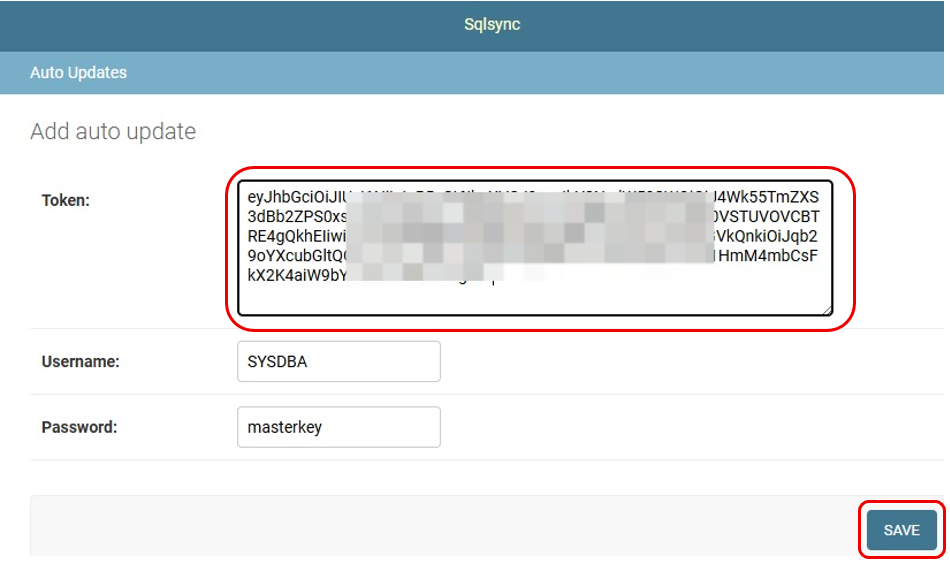 warning
Please ensure that the token without line break