First Time Login
-
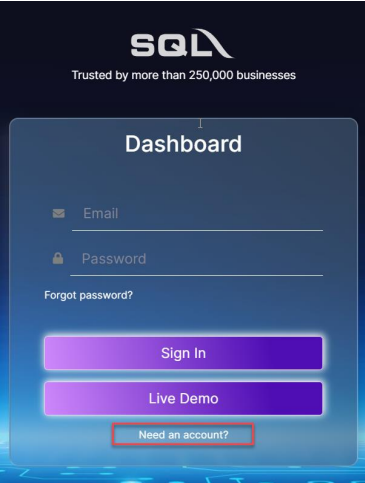
Go to SQL Business Intelligence Dashboard, click on Need an account?
-
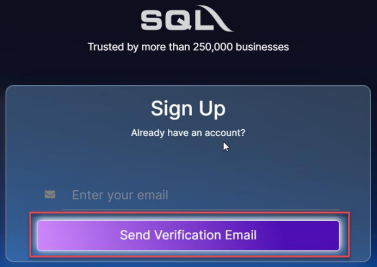
Enter your registered email with SQL, click on send verification email
-
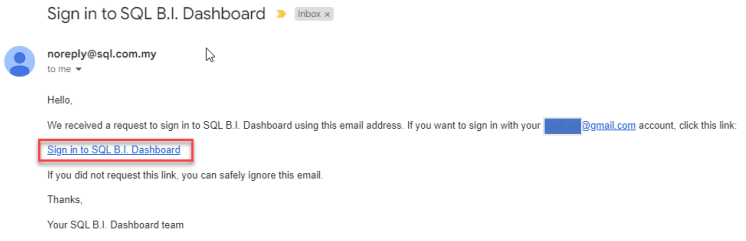
Check your mailbox, and click on "Sign in to SQL B.I Dashboard"
-
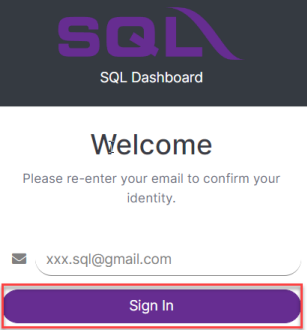
Enter your registered email and click sign in
-
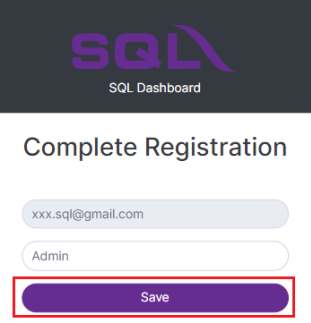
Next, enter your name and click save
-
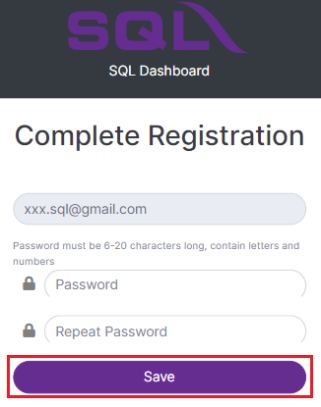
Enter your password, repeat password & click save
-
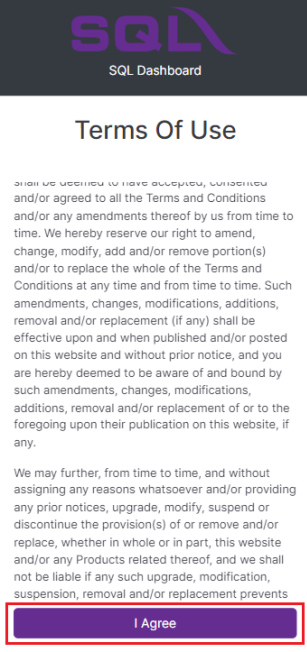
Read and click agree the term of use
-
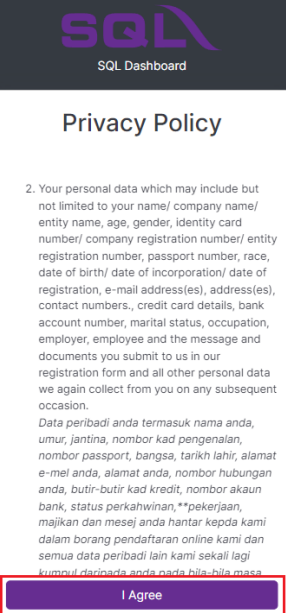
Read and click agree the privacy policy
-
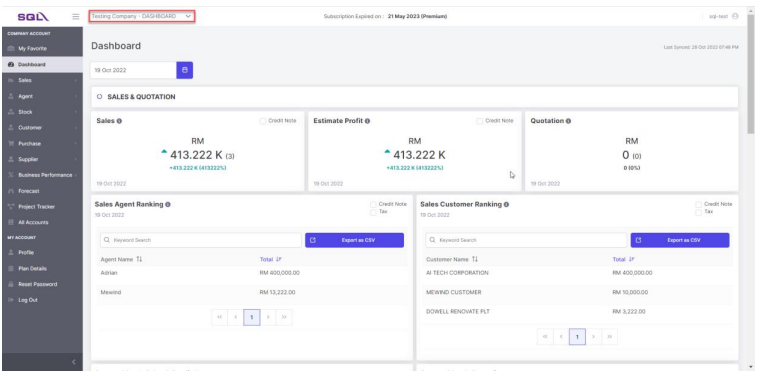
Login to dashboard