Getting Started
Sign In
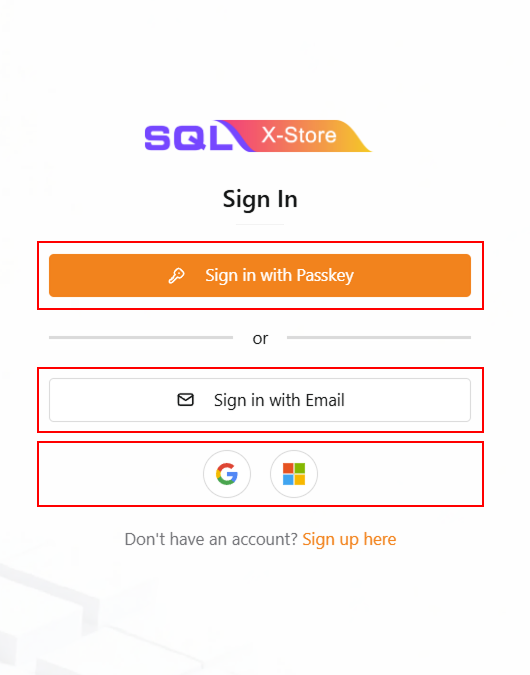
If you already have an account, you can sign in using one of the following methods:
- Sign in with Passkey - Use your registered passkey for quick and secure access.
- Sign in with Email - Enter your email address and click the verification link to sign in.
- Google Single Sign-On (SSO) - Sign in with your Google account (Gmail only). Click the Google button, select your Gmail account, and you'll be signed in automatically.
- Microsoft Single Sign-On (SSO) - Sign in with your Microsoft personal accounts. Click the Microsoft button, select your Microsoft account, and you'll be signed in automatically.
For detailed instructions, please refer to the sign up section below.
Sign Up
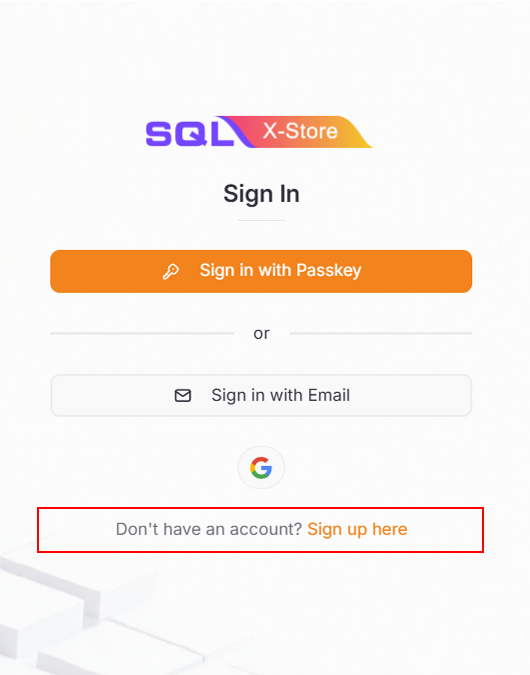
If you don't have an account yet, click sign up here to create a new account.
Sign Up with Passkey
Passkeys provide a secure, passwordless way to access your account.
-
Click Sign up here on the sign-in page
-
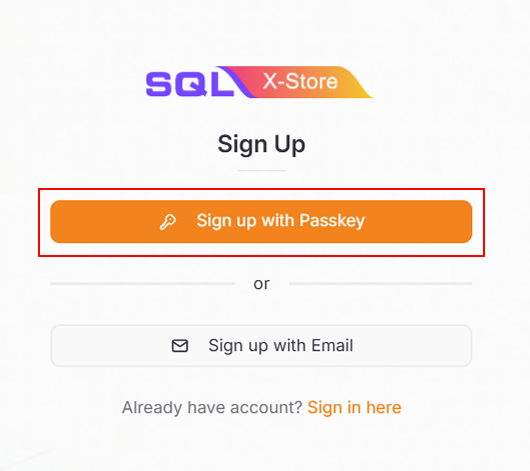
Select Sign up with Passkey
-
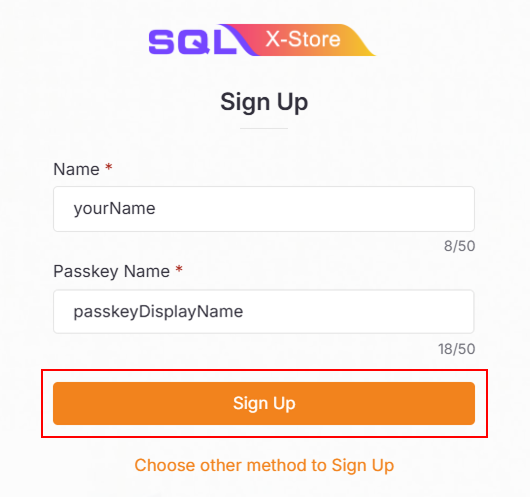
Enter your User Name and Passkey Name
infoThis passkey name will be displayed on your phone as an option during authentication.
-
Click Sign Up
-
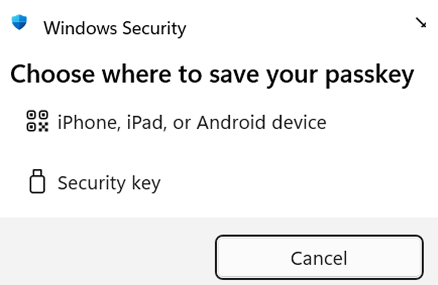
Choose the option:
- iPhone, iPad, or Android device
-
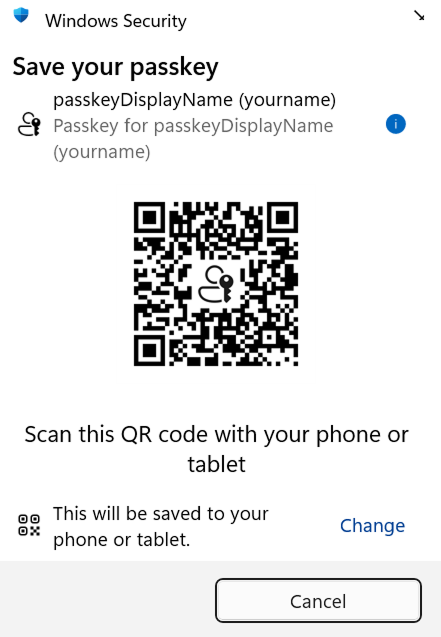
Use your smartphone to scan the QR code displayed
infoEnsure both Bluetooth and Wi-Fi/Mobile data are turned on for both your laptop and smartphone.
-
Complete the passkey registration on your device
-
Once successful, you'll be redirected to the Company List page
Sign Up with Email
For email-based registration:
-
Click Sign up here on the sign-in page
-
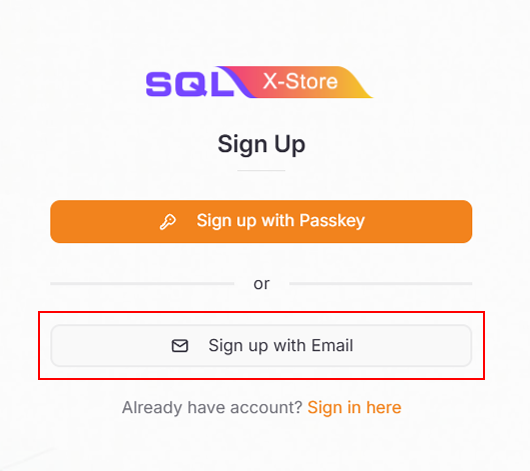
Select Sign up with Email
-
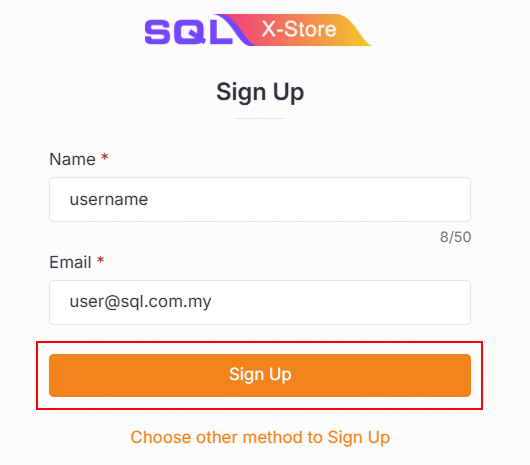
Enter your Name and valid email address
-
Click Sign Up
-
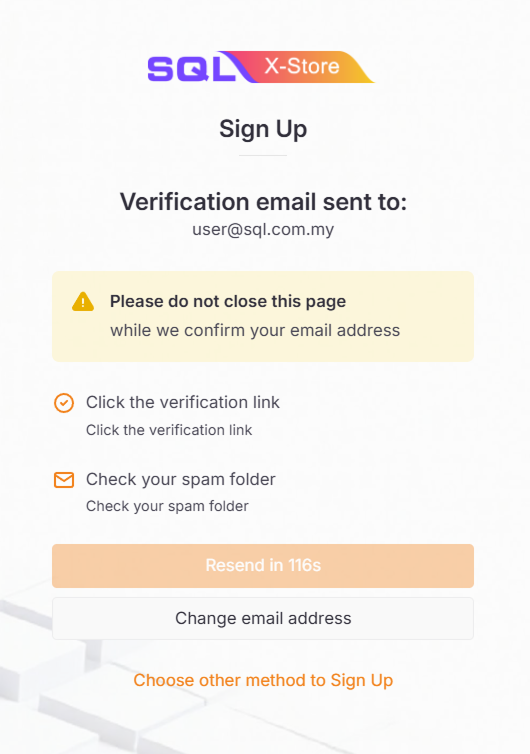
Check your email inbox for a verification link
infoThe verification link expires in 24 hours.
-
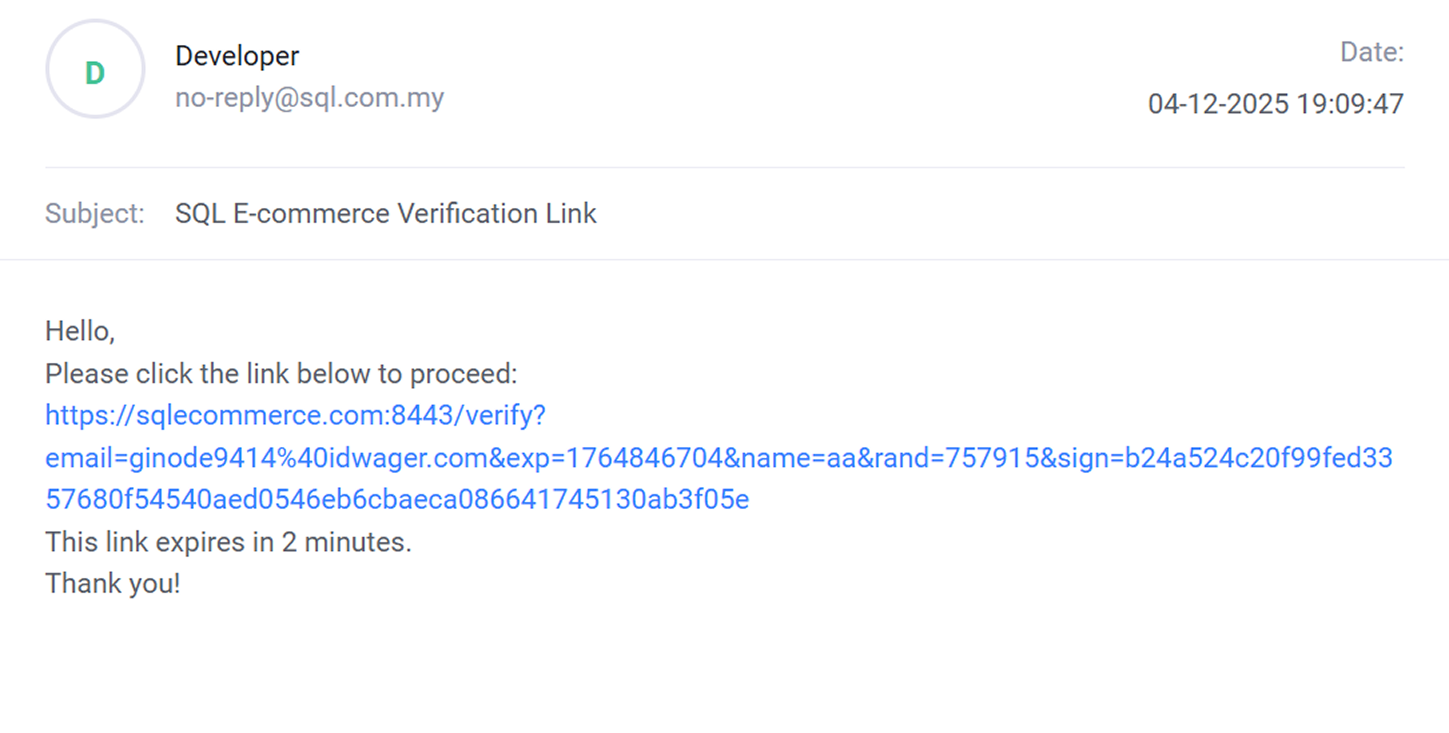
Click the verification link in the email
-
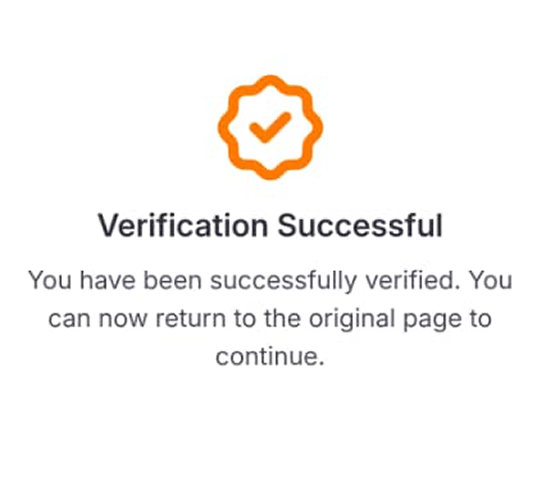
Your account is now successfully created.
 info
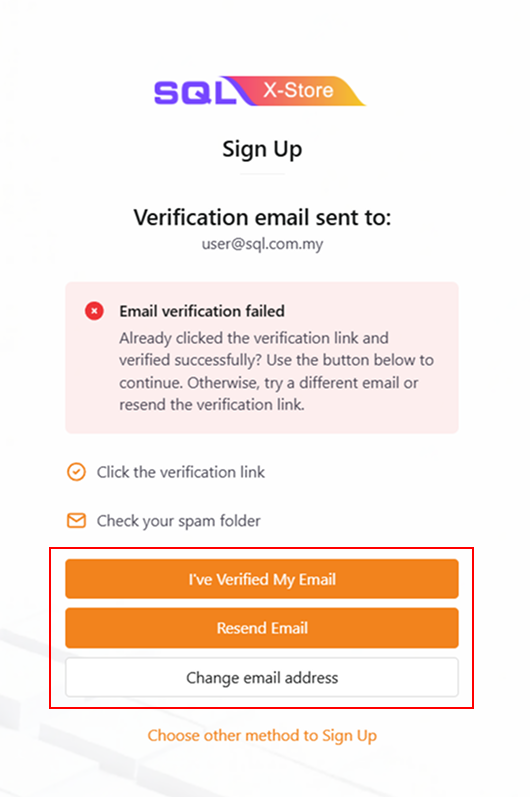
infoDidn't receive the email in time, or already clicked the verification link? No problem — just come back to this page and click I've Verified My Email to continue.
If you can't find the email, check your spam folder first. Otherwise, use Resend Email to get a new link, or Change email address if you'd like to use a different one. You can also choose a different sign-up method instead.
-
Once successful, you'll be redirected to the Company List page
Company List Page
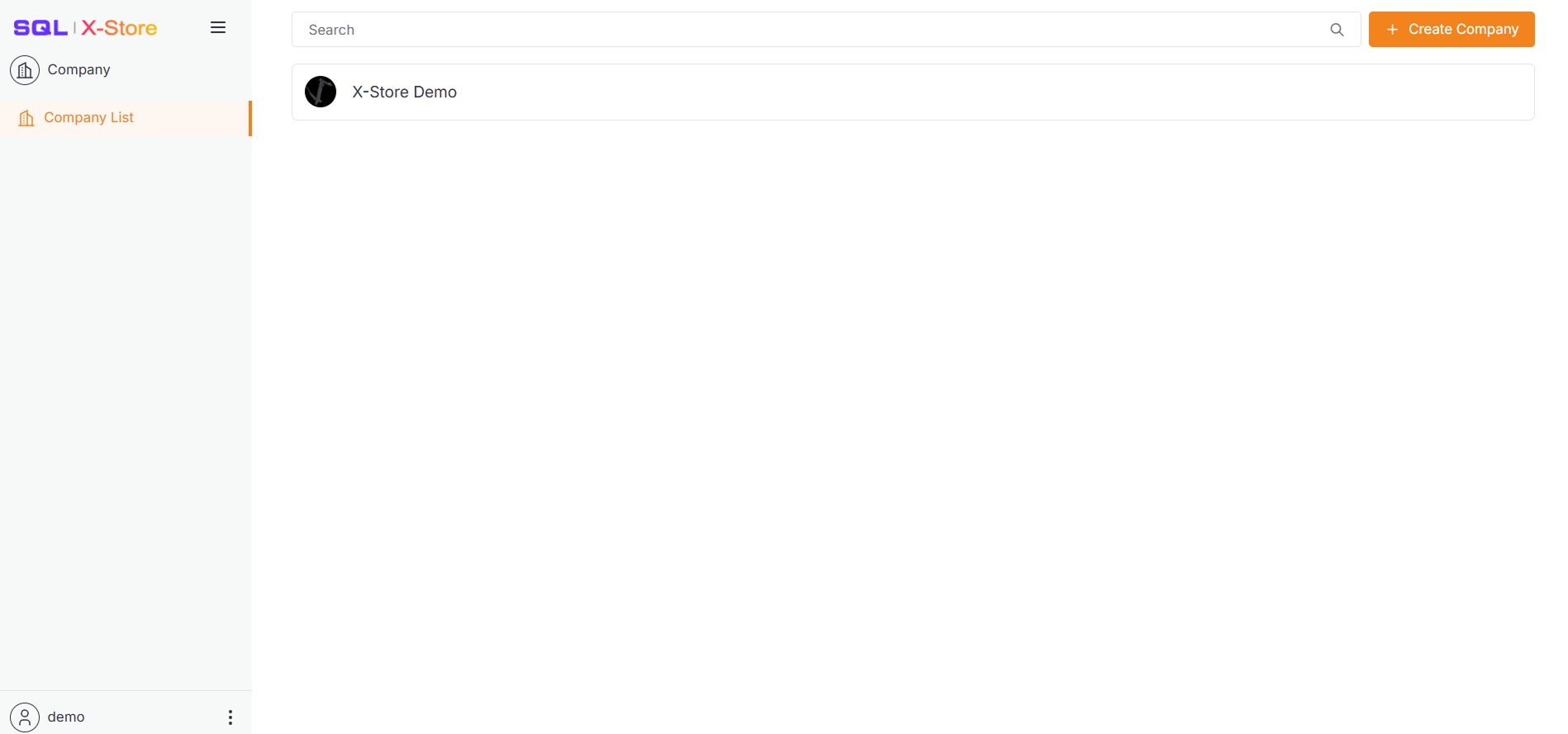
After successful sign-in or sign-up, you'll land on the Company List page.
Here you can:
- View all companies you've created
- View companies you've joined
- Create a new company