Side Menu
Overview
The Side Menu is the secondary navigation component for the e-Commerce integration system.
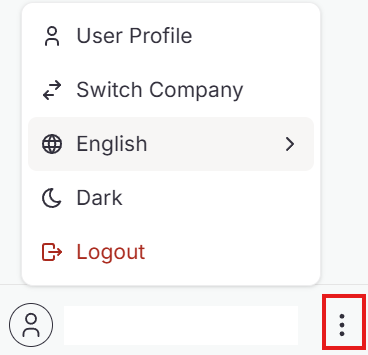
| Actions | Description |
|---|---|
| User Profile 👤 | Manage user profile, passkeys and sessions |
| Switch Company 🔄 | Switch between multiple company accounts |
| Language Selection 🌐 | Change language |
| Theme Toggle 🌙 | Change light or dark theme |
User Profile
The User Profile page displays your account information.

| Field | Description |
|---|---|
| Name | Your display name |
| Your registered email address | |
| User ID | Unique identifier for your account |
| Phone Number | Contact phone number |
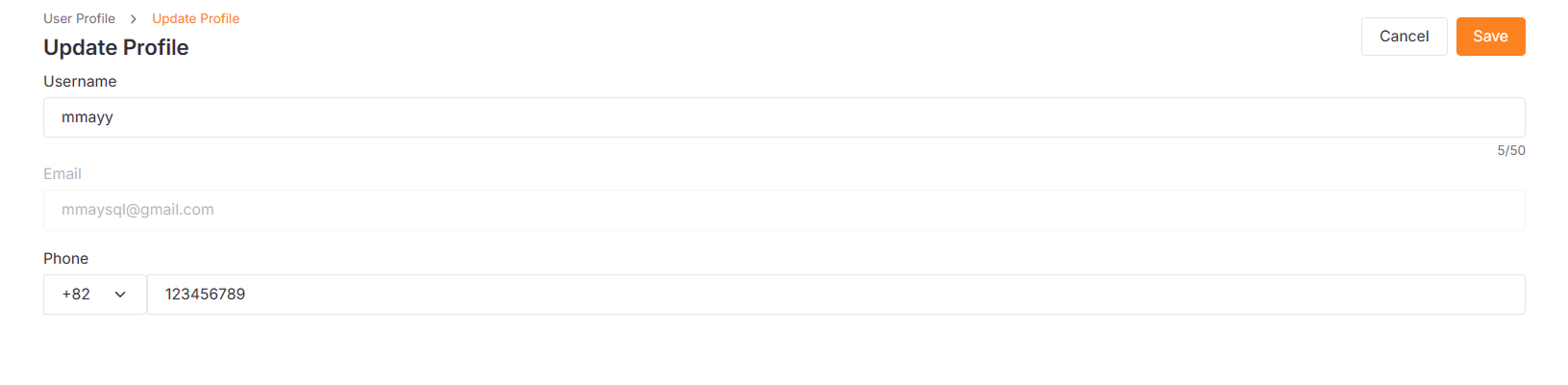
Update User Profile
-
Click the Edit Profile button.

-
Update the fields and click Save.
Passkeys
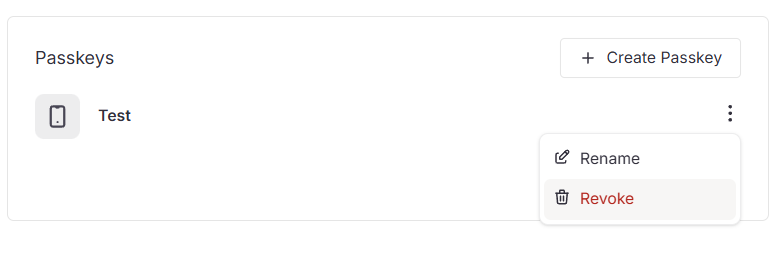
Manage your registered passkeys for secure authentication.
Register New Passkey
-
Click Create Passkey button.

-
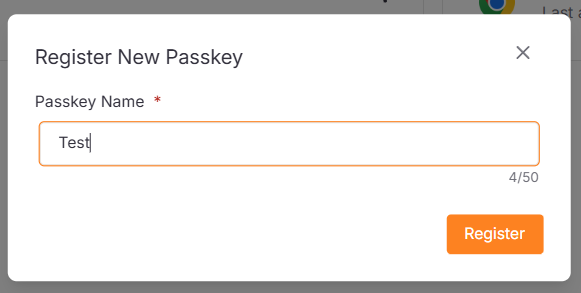
Enter a Passkey Name to help you identify this device later.
-
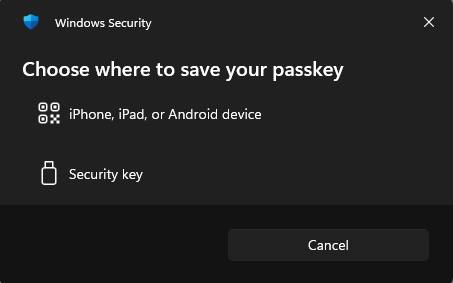
Click Register, then complete the authentication prompt on your device.
Rename Passkey
-
Click the More icon and select Rename.
-
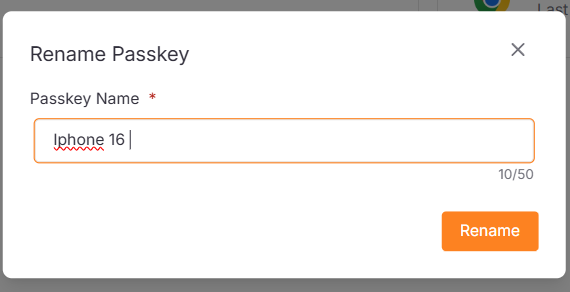
Rename your passkey and click Save.
Revoke Passkey
- Click the More icon and select Revoke to remove the passkey immediately.
Sessions
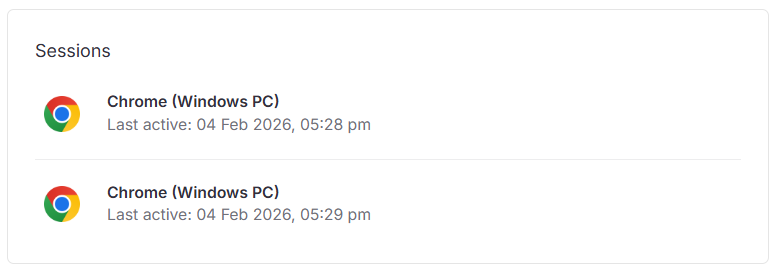
View your active login sessions across different devices and browsers.
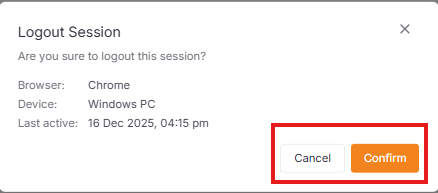
Logout Sessions
-
Click on the session.

-
Click Confirm to revoke.